
Configurable AI bots · practice money
See how your trading bot thinks.
Choose a bot, set its limits, and follow its decisions in plain English. Start with practice money. Switch to real money with your own broker account (Kraken now, Trading 212 soon) when you are ready.
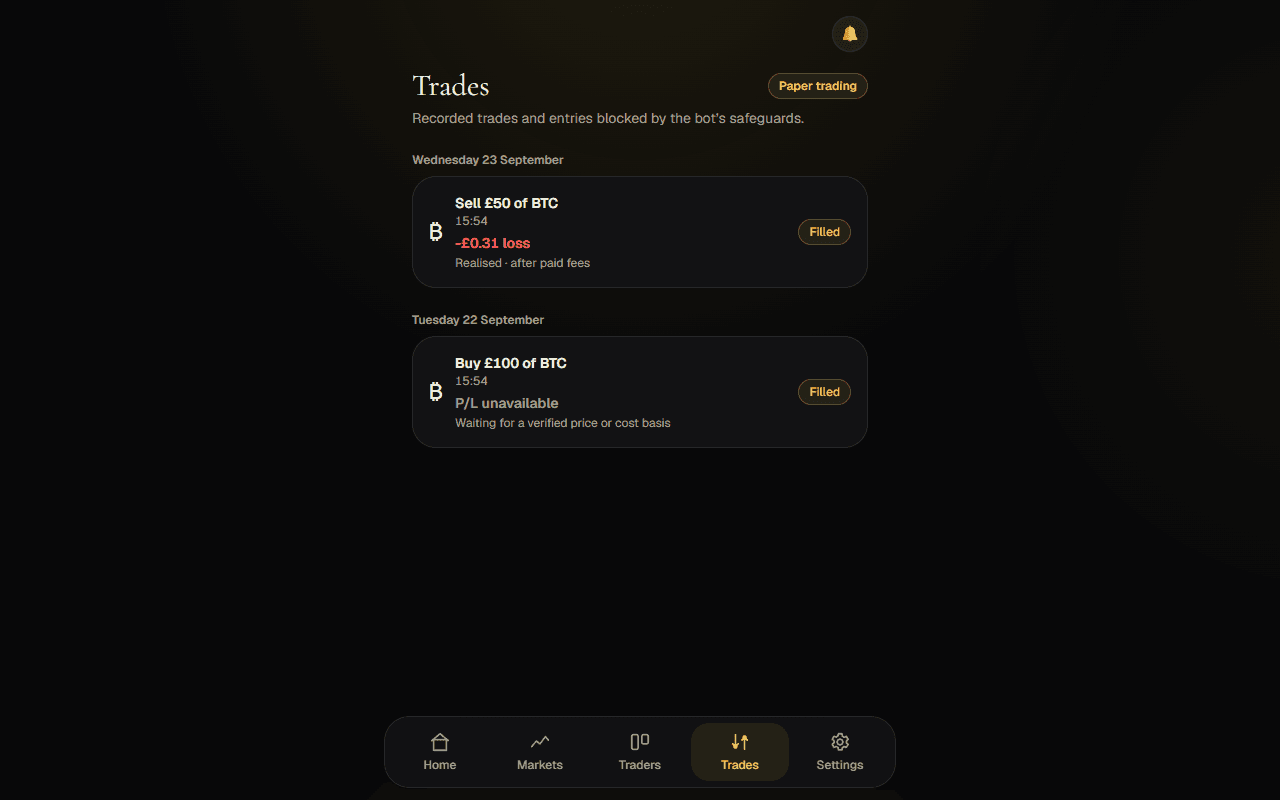
A practice account at a glance
Sample data. Illustrative only.How it works
- 01
Pick a bot
Choose an automated trader for a practice account.
- 02
Set limits
Choose how much it can use and when it must stop.
- 03
Read the decisions
See the reason behind each trade or skipped opportunity.
Hands-off by design
See how an automated trader responds to simulated markets.
Limits you set
Set trade and daily-loss limits that block new entries; pause a bot or use Stop & close when needed.
Recorded actions explained
See reasons for recorded trades and entries blocked by the bot’s safeguards.
Start free. Grow when you need more bots.
One practice bot is free. Plus and Pro add room for more practice bots. Sign in to choose a plan in Settings.
See pricingCommon questions
- Is this real money?
- Only if you choose. Every bot starts with practice money; you can switch one to real money by connecting your own broker account (Kraken now, Trading 212 soon).
- Do I need a broker?
- No broker connection is needed to explore practice trading.
- Can my practice account lose value?
- Yes. Simulated trades can lose practice money, with no real cash at stake.